
What to Do After Buying a New Subaruin Madison, WI
Set Up Your MySubaru and Connected Services
After buying or leasing your Subaru equipped with MySubaru or other connectivity technology, you'll want to personalize it and integrate it with your devices so you can enjoy every drive around Madison, WI, and the surrounding areas. That can be done easily in a few steps with us here to guide you.
- To set up your MySubaru account, you'll have to download the app from the App Store or Google Play by searching for "MySubaru." From there, enter the VIN of your Subaru, and register with a valid email address and valid iOS or Android smartphone. Do so where you're near internet access, too. Once you create your account by following the instructions, it should pair with your Subaru. If you've purchased it from our dealership, that information may already be in there, so just confirm it.
- To activate STARLINK® Connective Services if your Subaru has it and to enjoy features like remote engine starting, door locking/unlocking, a vehicle locator, maintenance alerts and emergency assistance, open the MySubaru app and go to "Subscriptions" and select activate your trial or paid plan for STARLINK®
- To pair your smartphone via Bluetooth, start the vehicle, and go to Settings > Bluetooth > Add Device. Make sure your smartphone has Bluetooth on, select your Subaru from the list of available devices, confirm the matching passcode on both screens, and allow access to contacts and messages to receive hands-free calls and messaging.
- To connect to Apple CarPlay® or Android Auto™ you'll need to plug your iPhone into your vehicle's USB port, approve the CarPlay prompt on your phone, and accept the terms on the vehicle screen. Some of our options allow you to do this wirelessly, too. For Android Auto™ setup, you should also connect to a USB port, and accept the permissions on your phone, then the Android Auto™ screen will appear on the Subaru touchscreen, and you should be connected.
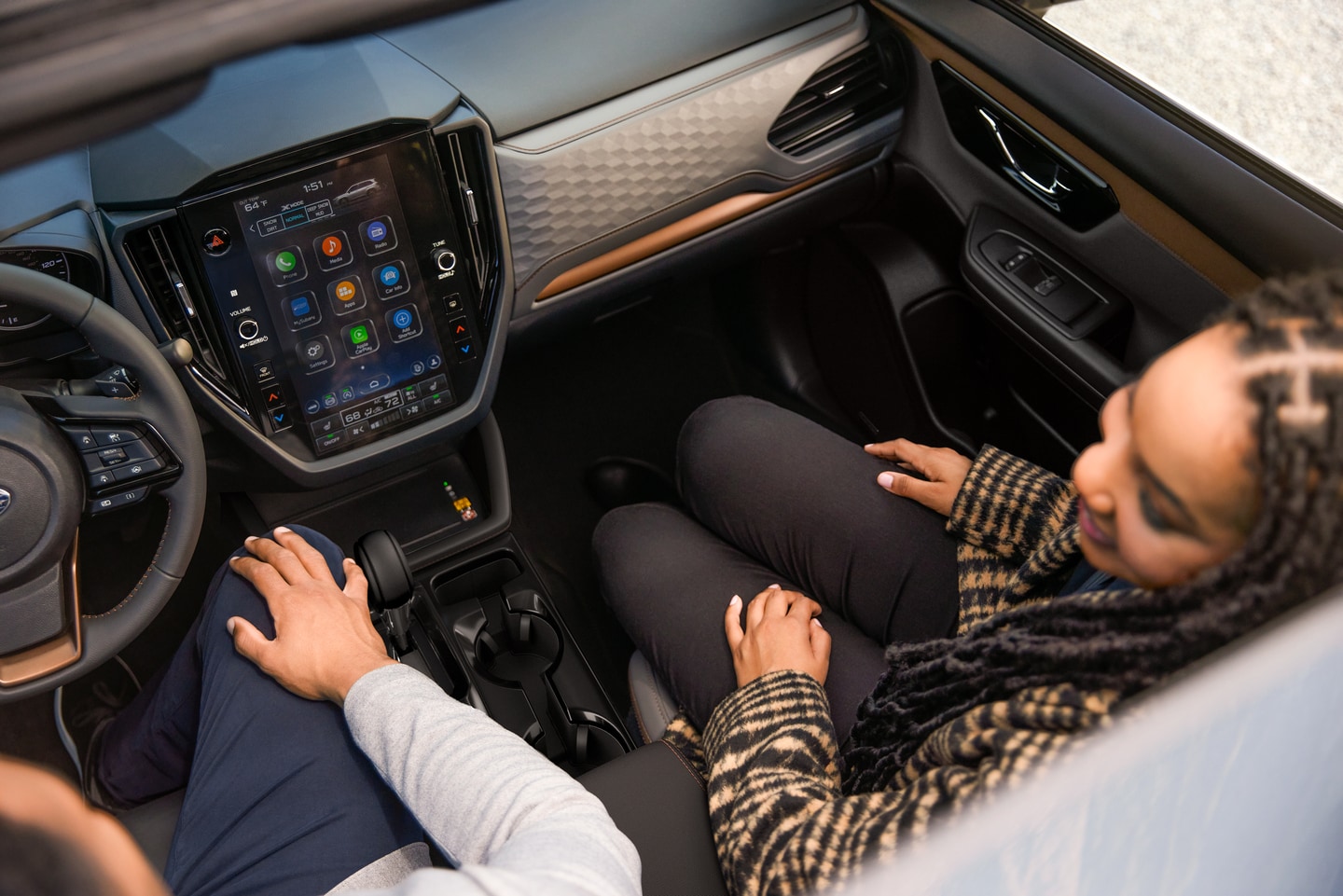
You can also manage music streaming with both Bluetooth by using streaming apps like Spotify and Apple Music, or you can manage them through Apple CarPlay or Android Auto, and USB media devices.
Of course, if you have any issues with pairing devices or need help troubleshooting issues, you can contact us here at Don Miller Subaru East, where our team is here to help those in Madison, along with Sun Prairie, Waunakee, and Watertown, WI.
Make a Service Schedule and Stick With it
To keep your Subaru on the road, Don Miller Subaru East is here to help you with our service center. We can perform all routine maintenance and repair as this will ensure your vehicle stays running at its best. To be on top of your oil changes, tire rotations, alignments and more, we're here to help you set up a maintenance schedule. We can do that and have it right to your MySubaru app, so you stay on track, and you can easily book an appointment online to get the services you need.
Visit Our Subaru Dealership in Madison, WI
Here in the capital city, those across the area can come see us at Don Miller Subaru East, where you can not only find the ideal new Subaru vehicles like the Crosstrek, Impreza, Outback, Forester, Ascent, or Solterra and Trailseeker EVs for sale, but also explore all the sights of Madison from its downtown, to the campus of the University of Wisconsin, and much more. A Subaru is a standout for everyday driving, adventure, and the tailgate, so stop in to learn more about how you can maximize its potential and stay connected onboard your vehicle.